Relocate screws into open holes to release overlapping boards before the timer runs out. Plan the removal order, preserve usable holes and continue through the level map after completing each puzzle.
Fit the supplied colored pieces into a square grid, planning around their shapes and any fixed obstacles. Complete the board layout across successive levels, with Reset and coin-priced Hint controls available.
Select colored shooters for the four slots below a winding block track. Compare shooter colors and remaining counts with the blocks on the track, and plan selections around the limited slot space.
Sort layered colored water between bottles. Pour onto matching top colors, check the receiving bottle’s available capacity and plan a sequence that separates the colors to complete each level.
How to Play
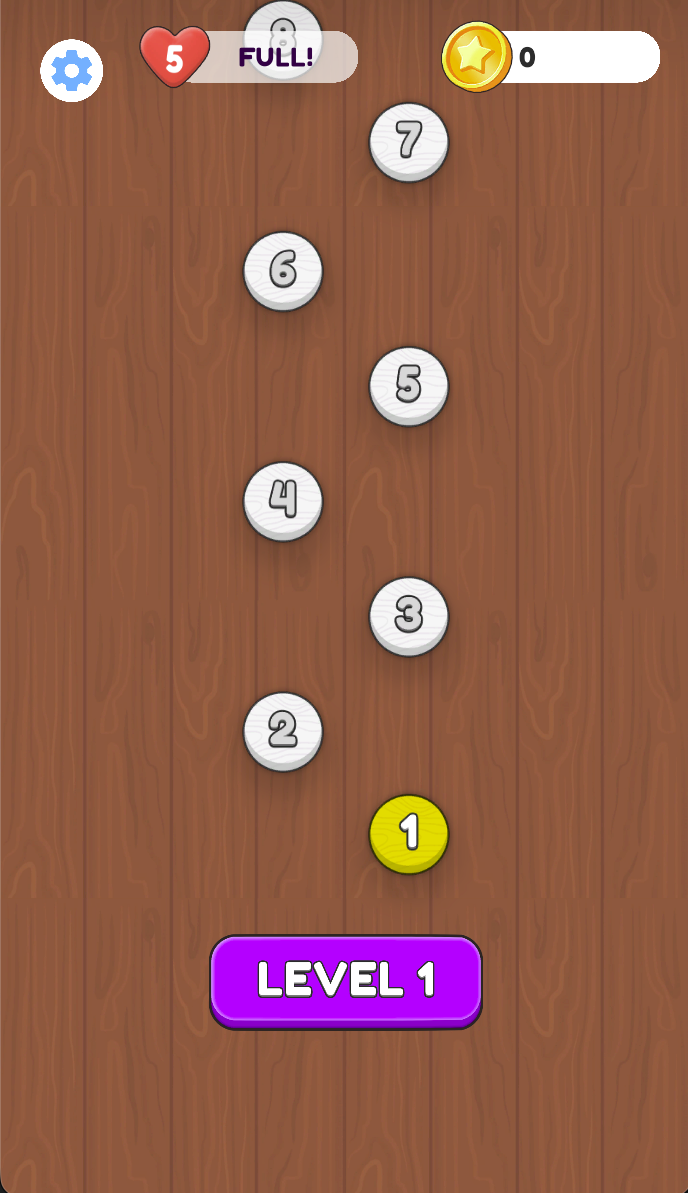
Select an available level on the map.
Inspect the overlapping boards, attached screws and open destination holes before acting.
Tap a screw to unscrew it, then tap an open hole to place it, following the game’s tutorial.
Repeat in an order that releases the boards while preserving usable holes and watching the timer.
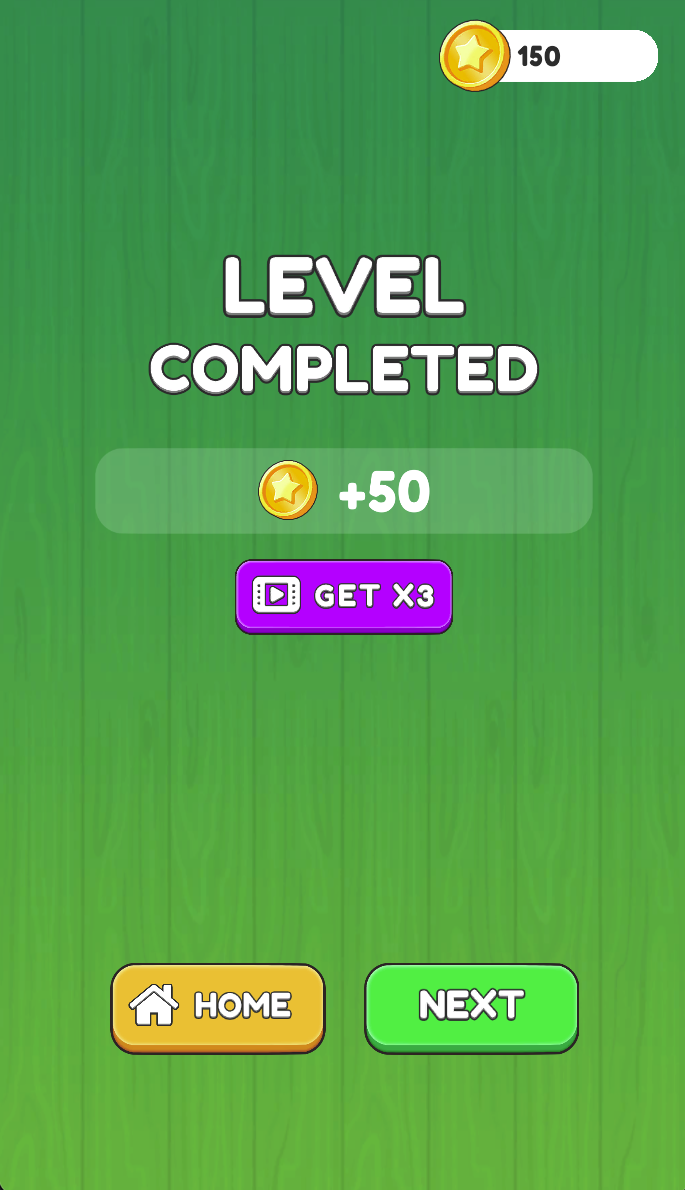
On Level Completed, choose Next to continue or Home to return.
Removal-Order Strategy
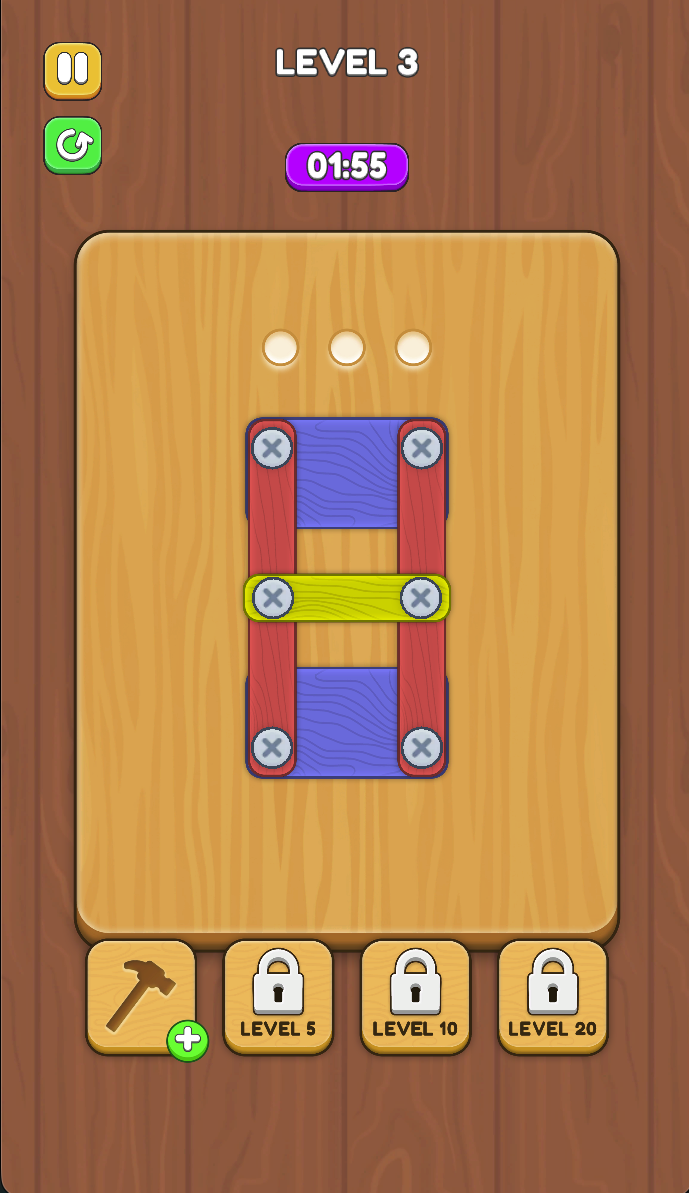
Before relocating a screw, identify a destination hole and consider how the freed board may move. Do not use the last useful hole without checking your next action. In the captured Level 3, three holes are open above a structure held by six screws, so the order matters more than simply tapping every screw in turn.
The level screen includes a timer, pause and restart controls. Plan a short sequence before acting, then reassess after a board moves. If the layout becomes blocked, reconsider the order rather than repeatedly trying the same screw.
Before using the next free hole
Use the Level 3 screenshot below as a planning exercise: first locate the three open holes above the six-screw structure. Before choosing a screw, identify its destination, then check whether the next screw will still have an accessible hole. If you cannot name both destinations, inspect another removal order before acting.
Tools and Rewards
A hammer icon with a plus button appears below the board, followed by slots locked until levels 5, 10 and 20. Check their in-game prompts before using them.
Screenshots & Strategies
Real browser captures · October 21, 2026
Select an available level from the map. The captured start screen shows Level 1, a full five-heart display and a separate coin balance.Level 3 shows overlapping boards, six screws and three open holes, with 01:55 on the timer. Plan which screw to relocate and preserve an accessible destination hole.The completion screen displays +50 coins, Home and Next. A separate video-marked Get ×3 option appears; check its prompt before choosing it.